
Gather videos
Upload and record from the app so new files have a clear place to land.
Video library command deck
Browse, arrange, and watch every video stored on your device. Vidrax helps you create folders, switch between file and video views, and move or delete clips in batches.
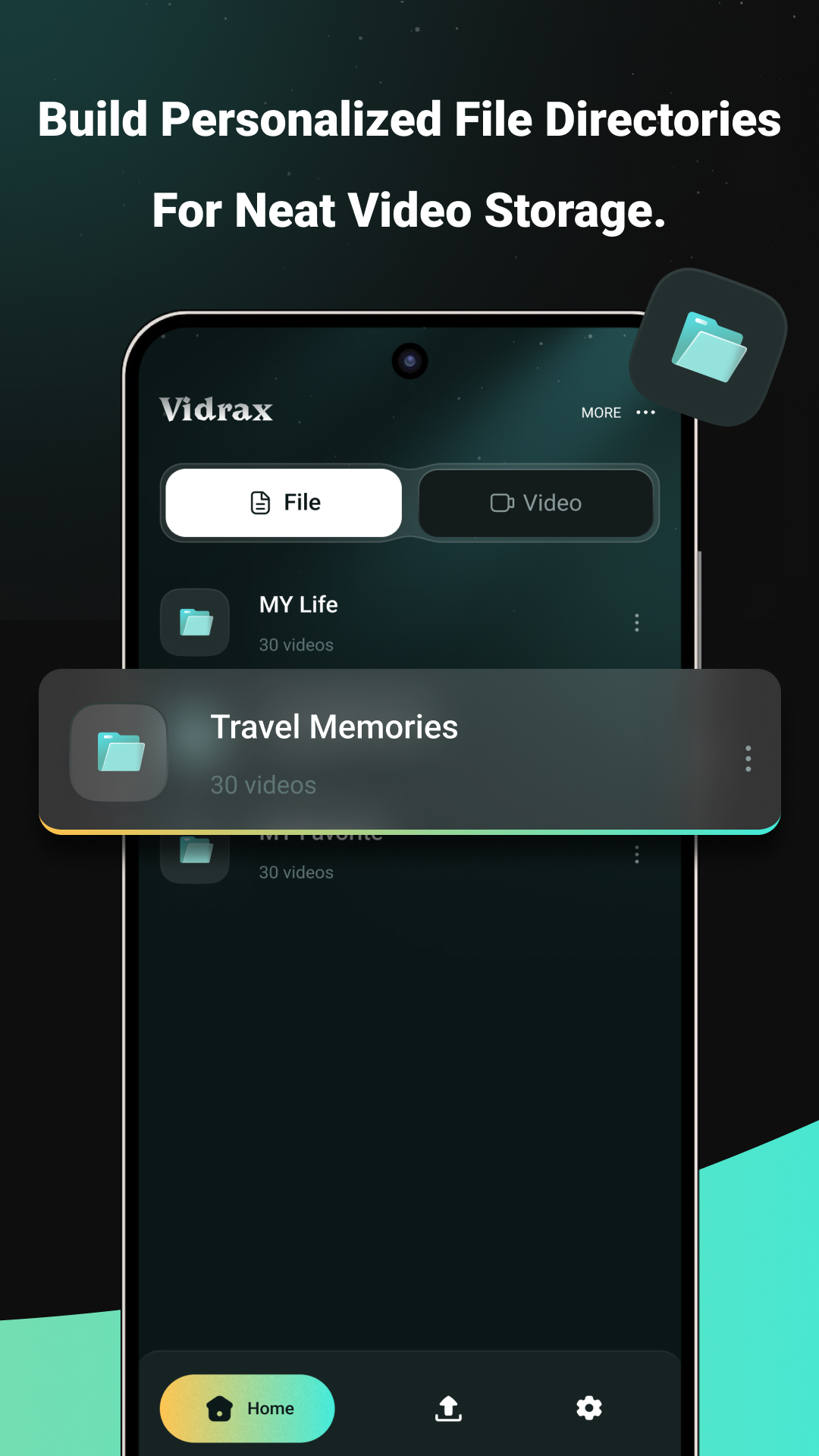
Vidrax is built around a direct workflow: gather clips, group them into folders, play them smoothly, and clean up titles or storage in batches.
Upload and record from the app so new files have a clear place to land.
Build personal directories like travel, favorites, work, or daily life.
Open video views and play stored clips without digging through the phone.
Select files, delete extras, edit titles, or move groups with one flow.
File control
The app keeps storage organization and viewing close together, so you do not have to jump between separate tools just to find or clean up a clip.
Separate work, travel, favorite, and personal video collections.
Switch into video mode to view your stored clips and play the next one.
Move selected files, delete videos, or edit titles without opening each item.

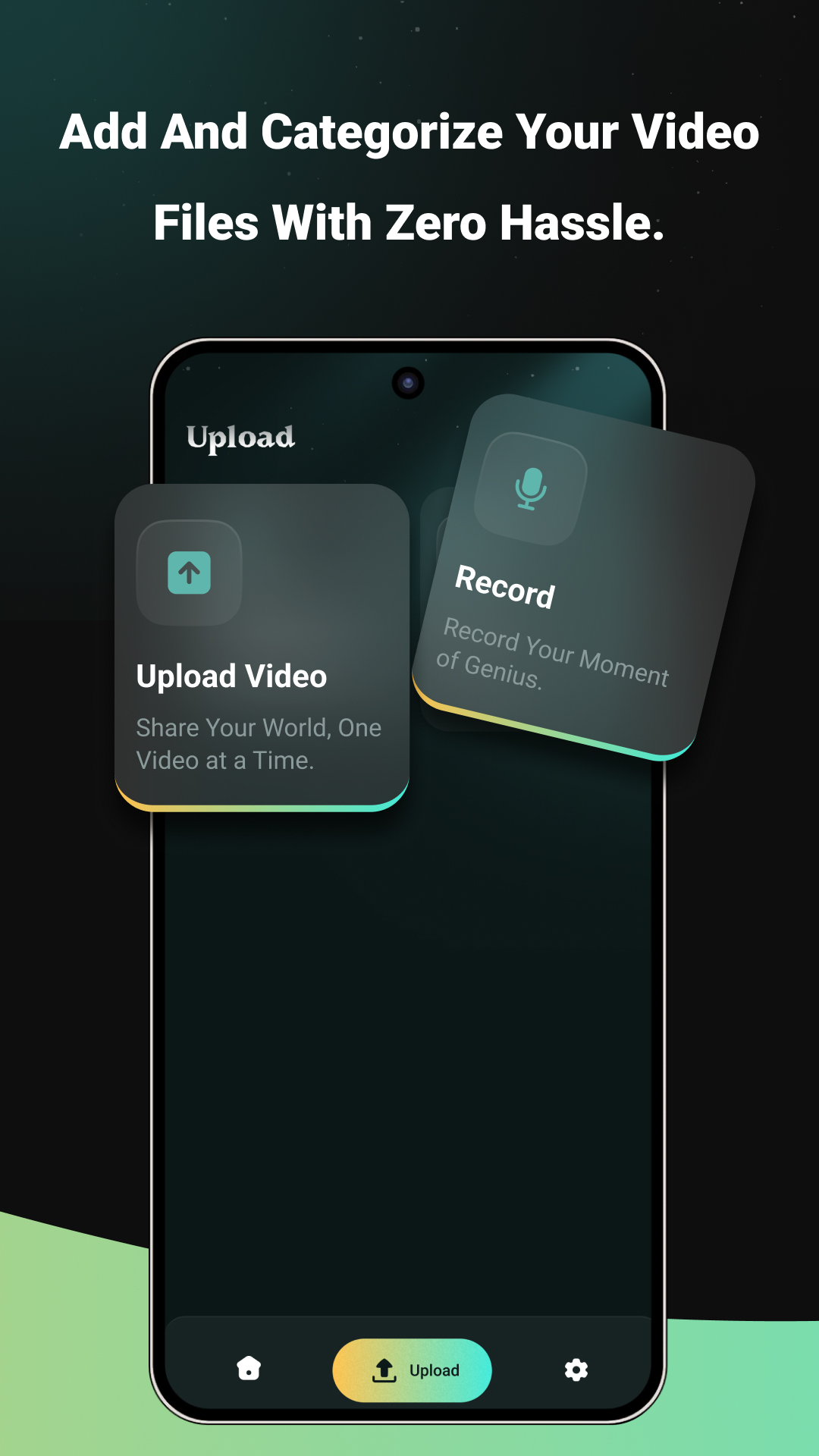
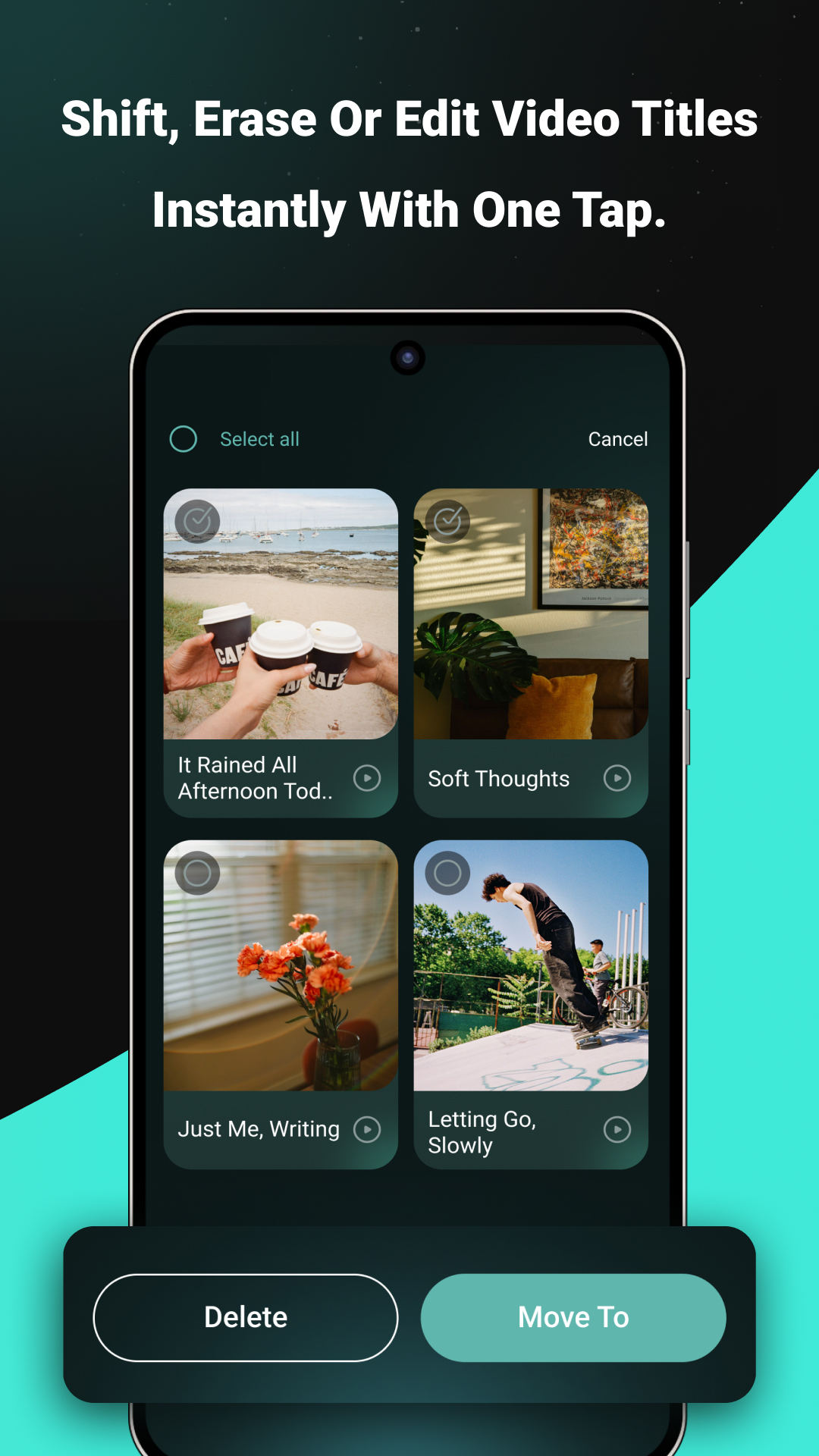
These screenshots show the actual playback, upload, directory, and batch management flows.
Contact
Send a message about video organization, folder management, playback, account deletion, or general support.
ourhdachfatimazahra@gmail.com